German Version Available
This page is also available in German. Click here to access it
Emergency Hamburg is an emergency services roleplaying game in Roblox, set in the German city of Hamburg.
Players can choose to take on different roles, such as being a police officer, civilian, firefighter, medic, bus driver, car mechanic, truck driver, or even a criminal.
Players earn virtual in-game currency by completing work shifts in their jobs, or taking part in other activities. This currency can be used to purchase new vehicles, and unlock additional content that helps them progress in the game.
Players can explore the city, take part in different jobs, and interact with other players in Emergency Hamburg.
¶ Game Basics
¶ Map & Navigation
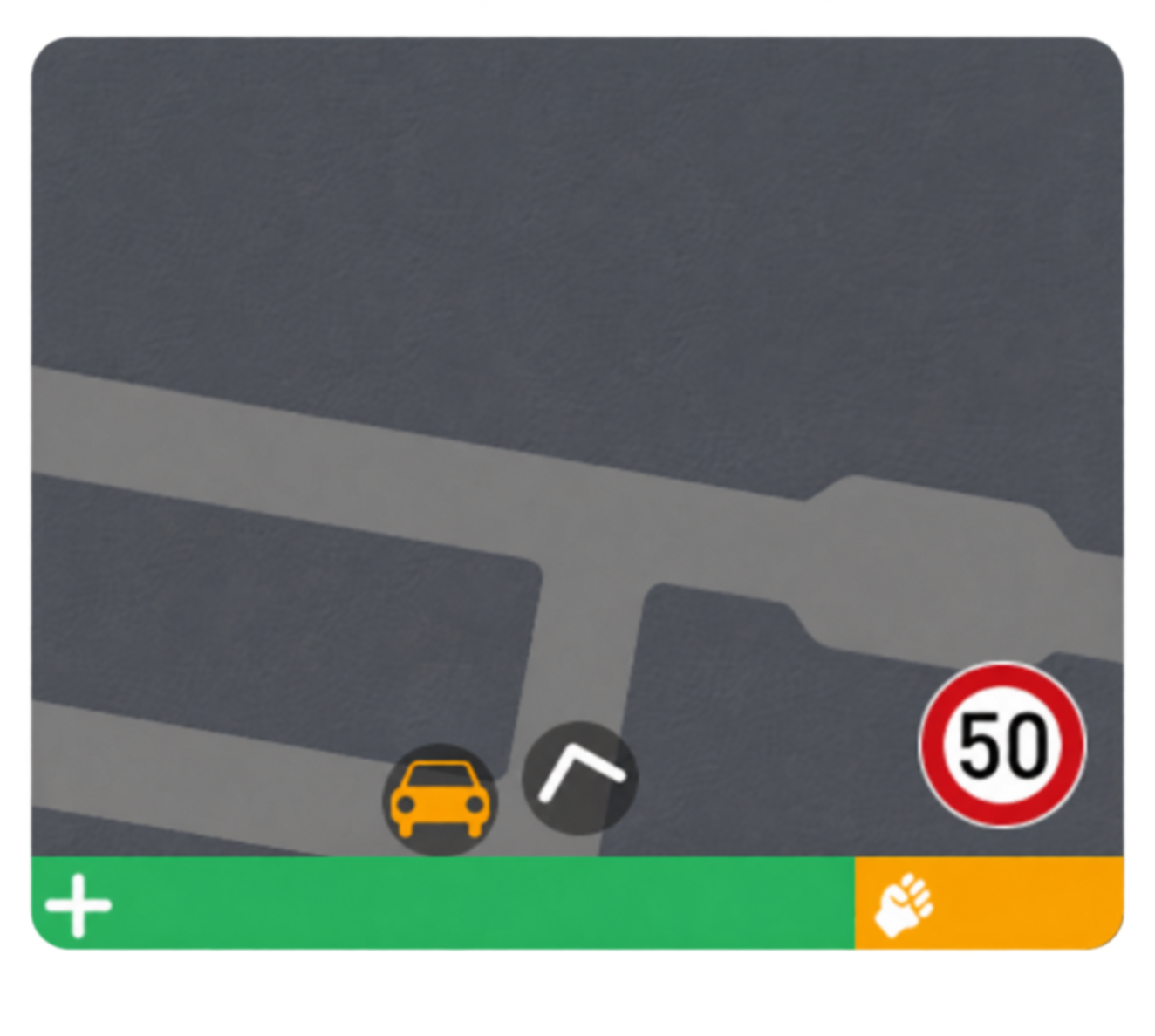
You can open the Map by selecting the minimap on the right side of your screen.
The Map displays important locations across the city, including job headquarters, robbery locations, and other points of interest. It also displays your current position and the location of your vehicle.
To set a waypoint, select a location icon on the Map. A navigation line will guide you towards the selected destination and will automatically disappear once you arrive.
Some locations only appear on the Map when you are nearby, including Dealers and Vending Machines.
¶ Inventory
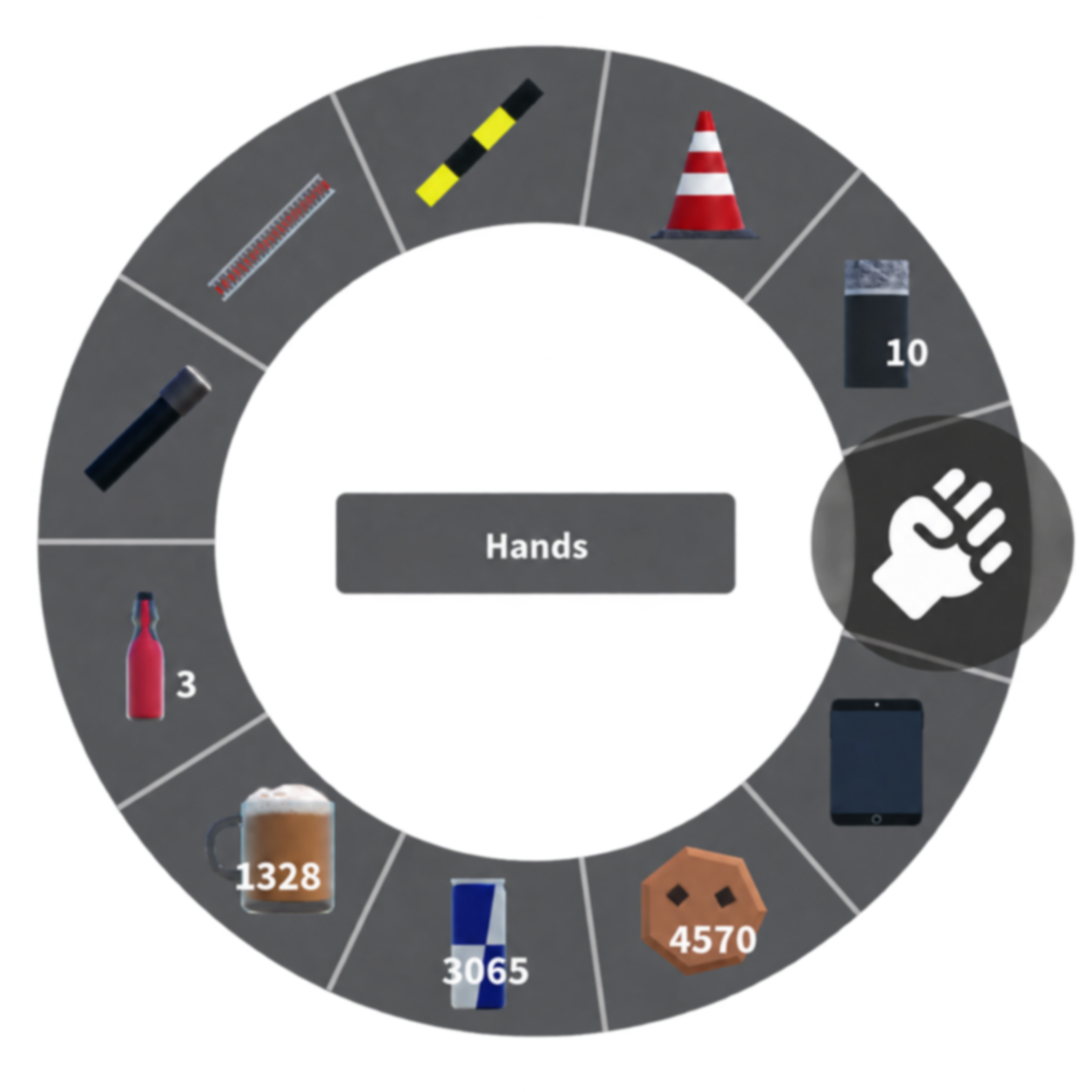
Your Inventory contains the items currently available to you. It can be opened with either Tab or C for players playing on PC.
The inventory wheel displays the items you are carrying, including the quantity of each item. Select an item to equip it.
Your inventory will change depending on your current team. Job specific items are only available while working that job and are removed when your shift ends. When you begin your next shift for that job, your previous items will automatically be returned to your inventory.
Some items are available regardless of your current team, such as consumables.
You cannot open your Inventory while:
- Inside a vehicle
- Detained
- Downed
However, your Phone can still be opened while you are inside a vehicle.
¶ Health
All players have health, which decreases when they take damage. Damage can be caused by several things, including falling from a height or being attacked by another player.
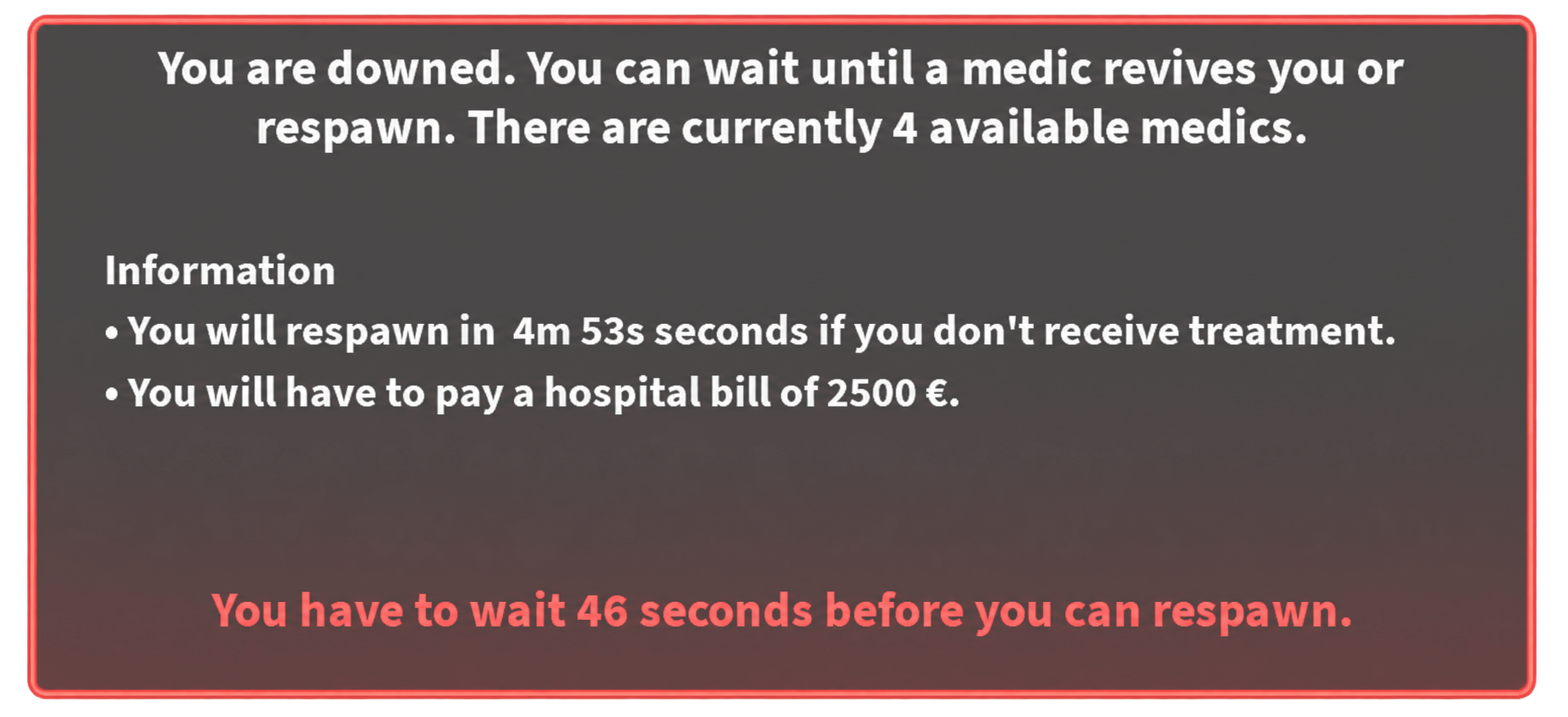
When your health becomes very low, you will become downed. While downed, you will be lying on the ground and unable to move or use items. A countdown will appear showing how long you have remaining until you automatically respawn.
After a short period of time, you will be given the option to respawn early. If you do not select this option, you will automatically respawn once the countdown reaches zero.
If you are wanted, the countdown will pause whenever a police officer is nearby. It will resume once there are no police officers nearby.
¶ Being Treated
Downed players can be healed by Rescue Service or Emergency Doctor players. Medics can administer Infusions which will gradually restore your health, causing you to eventually recover.
If there are no medics available, you will be forced to respawn.
¶ Respawning
If you die or choose to respawn:
- Any robbery loot you are carrying will be lost
- Any Stolen Money you are carrying will be lost
- If you are currently working a job, you will lose 50% of the XP earned during that shift
A hospital bill will automatically be deducted from your in-game balance everytime you choose to respawn.
After respawning, you will spawn at the Hospital.
¶ Phone
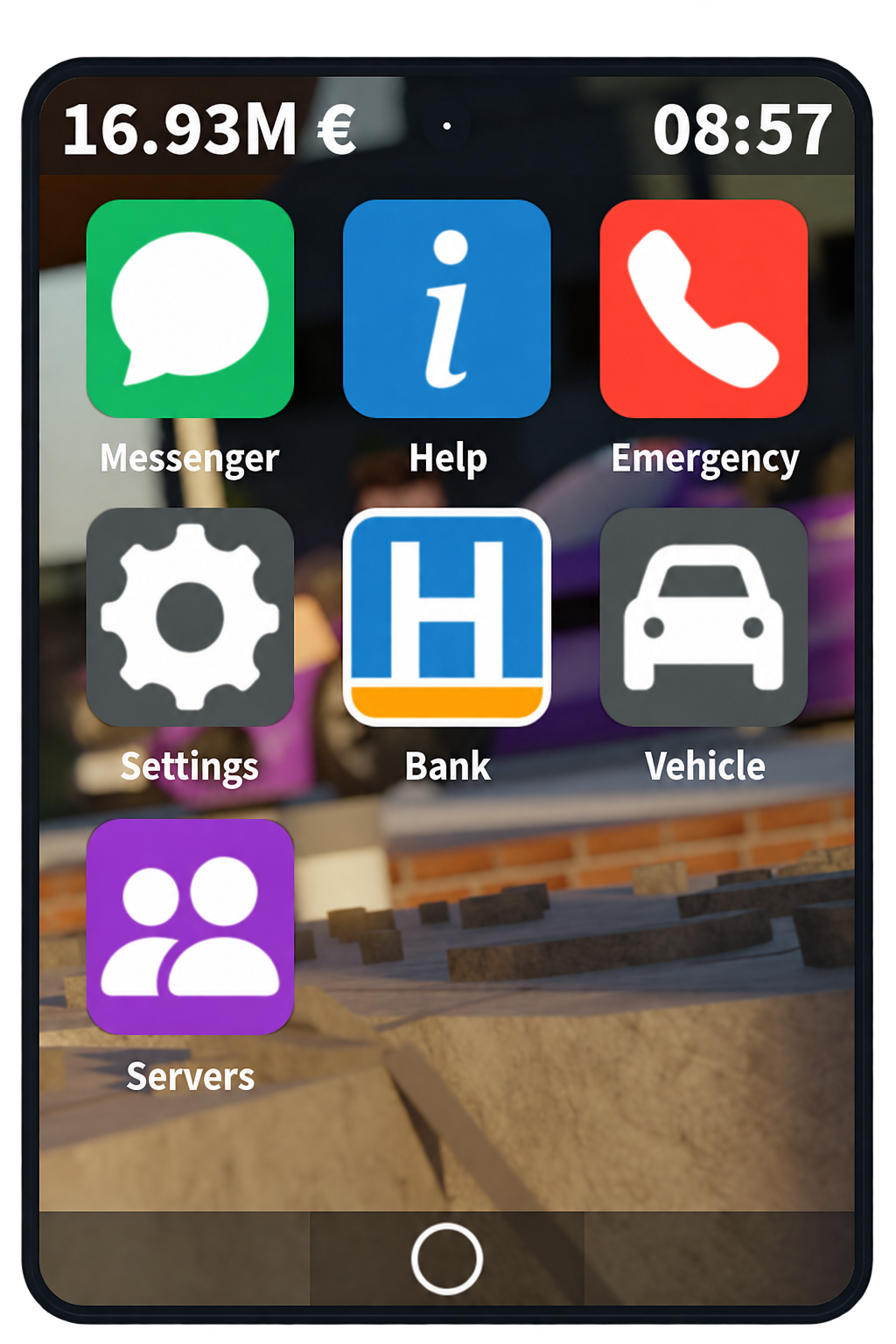
The Phone provides access to several useful applications and features.
You can open the Phone by selecting it from your inventory wheel. While inside a vehicle, the Phone can still be opened using the appropriate Inventory keybind for your device.
The Phone can be used for a range of tasks, including messaging other players, calling emergency services, and customising your game settings.
Some applications are only available when specific conditions are met. For example, the Police application is only available while working as a police officer, and the Criminal application is available when playing as a criminal.
The available applications include:
- Messenger: Send messages to other players in the server.
- Help: Find answers to commonly asked questions about Emergency Hamburg.
- Emergency: Request assistance from a selected emergency service.
- Settings: Customise your game experience.
- Bank: View recent transactions and send in-game money to other players.
- Vehicle: View information about your current vehicle, including fuel level, vehicle health, and whether it is locked.
- Servers: Browse and join private servers.
- Criminal: View information about your criminal activity, including your crimes and the amount of Stolen Money you are carrying. This application appears once you become wanted.
- Police: View information about players in the server, including their crimes and vehicle.
¶ Earning Money
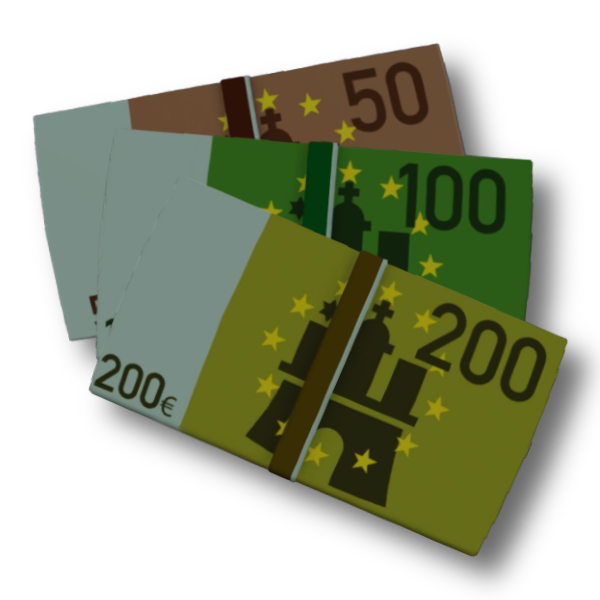
There are two main ways to earn money in Emergency Hamburg:
- Working a job
- Becoming a criminal and committing robberies
¶ Working a Job
There are several jobs available across Emergency Hamburg, each with different responsibilities, vehicles, and progression.
Although every job is different, they all use the same shift and XP system.
To start working, travel to the headquarters of the job you would like to join and start a shift by interacting with the NPC at the counter. Once your shift has started, you can begin completing tasks and earning Experience Points (XP).
¶ XP & Progression
Every job has its own XP progression.
You will earn XP by completing tasks related to your job, such as responding to incidents, arresting criminals as a police officer, treating injured players as a medic, or extinguishing fires as a firefighter.
As your total XP increases, you can unlock additional vehicles, equipment, or teams depending on the job.
¶ Conduct Points
Players begin with 100 Conduct Points (CP). You can lose CP for misconduct or breaking traffic laws, such as speeding or driving through red lights without using your emergency lights.
Any CP you lose will result in an equivalent percentage deduction from the XP earned during your shift. For example, ending your shift with 80 CP will result in a 20% XP deduction.
Try to maintain 100 CP whenever possible to receive the full XP and money earned from your shift.
¶ Incidents & Callouts
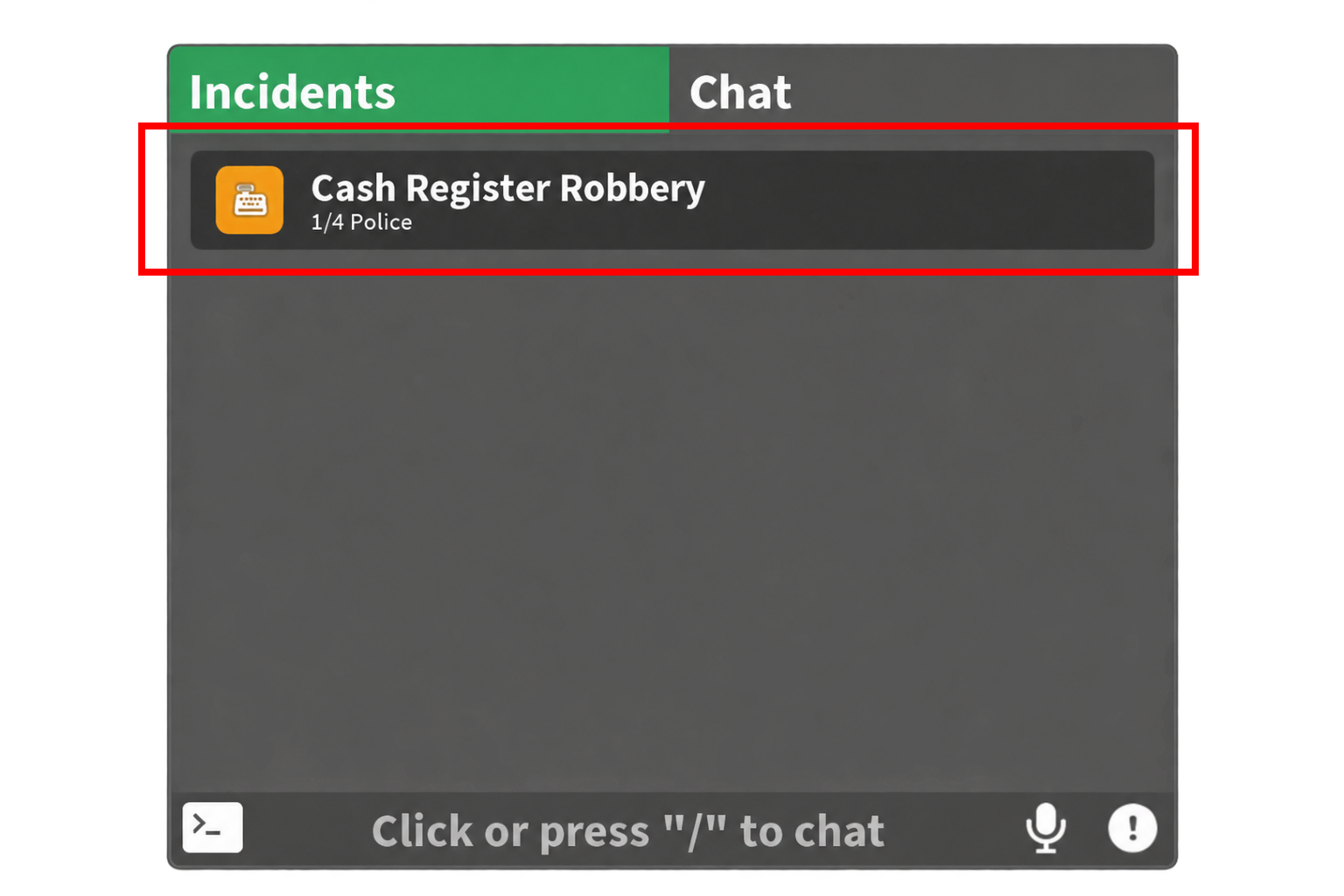
Certain jobs, such as the Police Department, Fire Department, and HARS, allow you to respond to incidents and callouts using the radio. When a new incident occurs, you will receive a notification in the Incidents tab of your radio, which is located in the top left corner of your screen.
Open the Incidents tab to view available incidents.
Select an incident to view more information and set a waypoint to the incident.
¶ Ending Your Shift
You can end your shift by returning to the location where you started it, or by simply leaving the game.
When your shift ends, your XP will be adjusted based on your CP. The final amount is then added to your total XP for that job and also converted into money, which is added to your balance.
Leaving the game will automatically end your shift and any XP you earned will be saved.
¶ Jobs
¶ Police Department
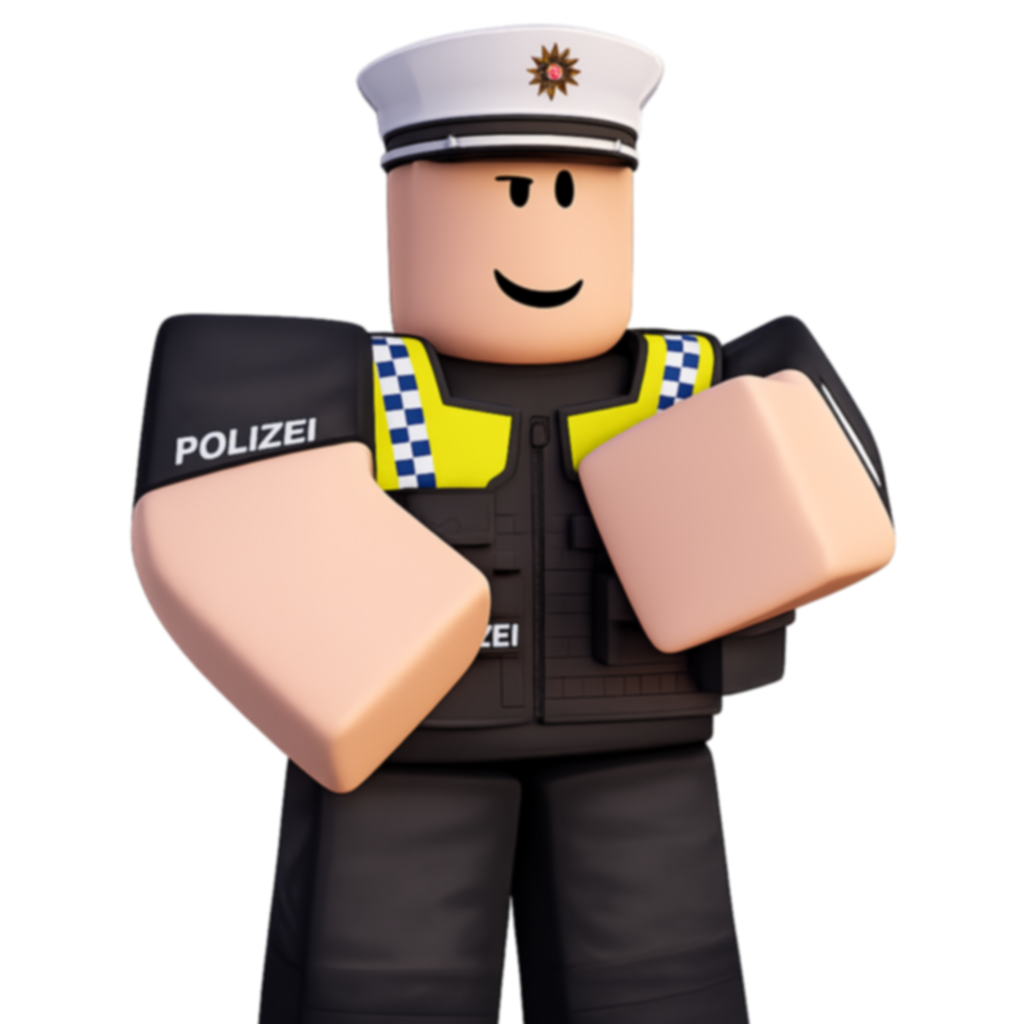
You can begin a police shift at the Police Department. There are four police teams available:
- Patrol Police
- Traffic Police
- Undercover Police
- SEK
As a new player, you will only have access to the Patrol Police.
Traffic Police can be unlocked through XP progression, while Undercover Police and SEK require separate gamepasses.
Your main responsibilities are to respond to incidents and arrest criminals.
¶ Arresting Criminals
Police officers can only arrest players who are wanted. Wanted players can be identified by the wanted level displayed above their character.
To detain a criminal, equip your Handcuffs, approach the suspect, and interact with the prompt. You may find that using tools such as the Taser can make it easier to stop suspects who are attempting to escape.
After detaining a criminal, you must transport them to the Prison to complete the arrest. A waypoint to the Prison will automatically appear once the criminal has been detained.
¶ Police Application
Police officers have access to the Police application on their Phone.
This application separates players into wanted and non-wanted players. Selecting a player allows you to view information including their wanted level, crime history, current vehicle, vehicle colour, and license plate.
The application can also be used to access security cameras around the map.
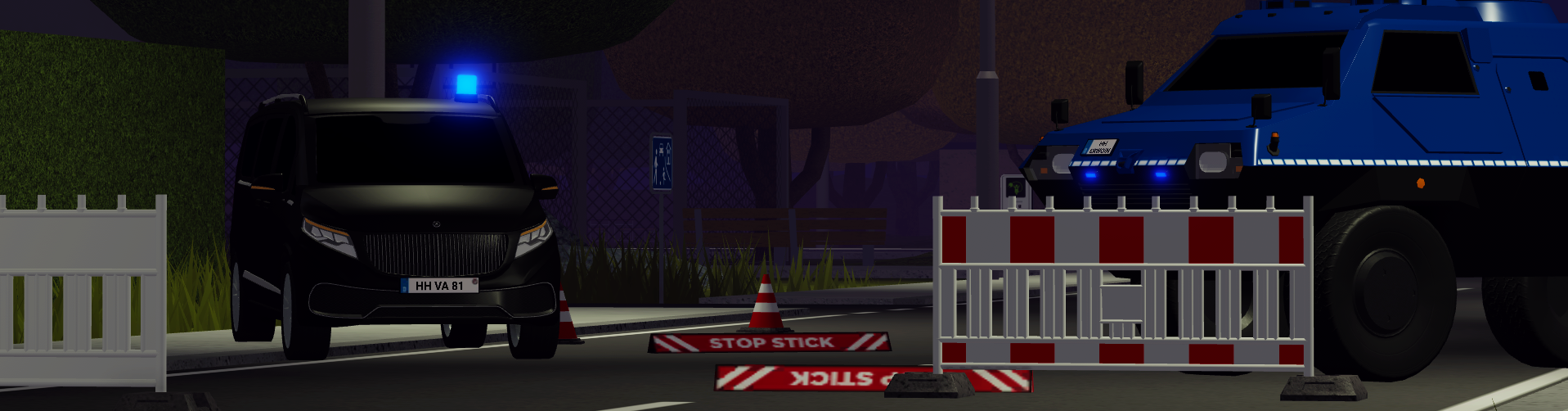
¶ Fire Department
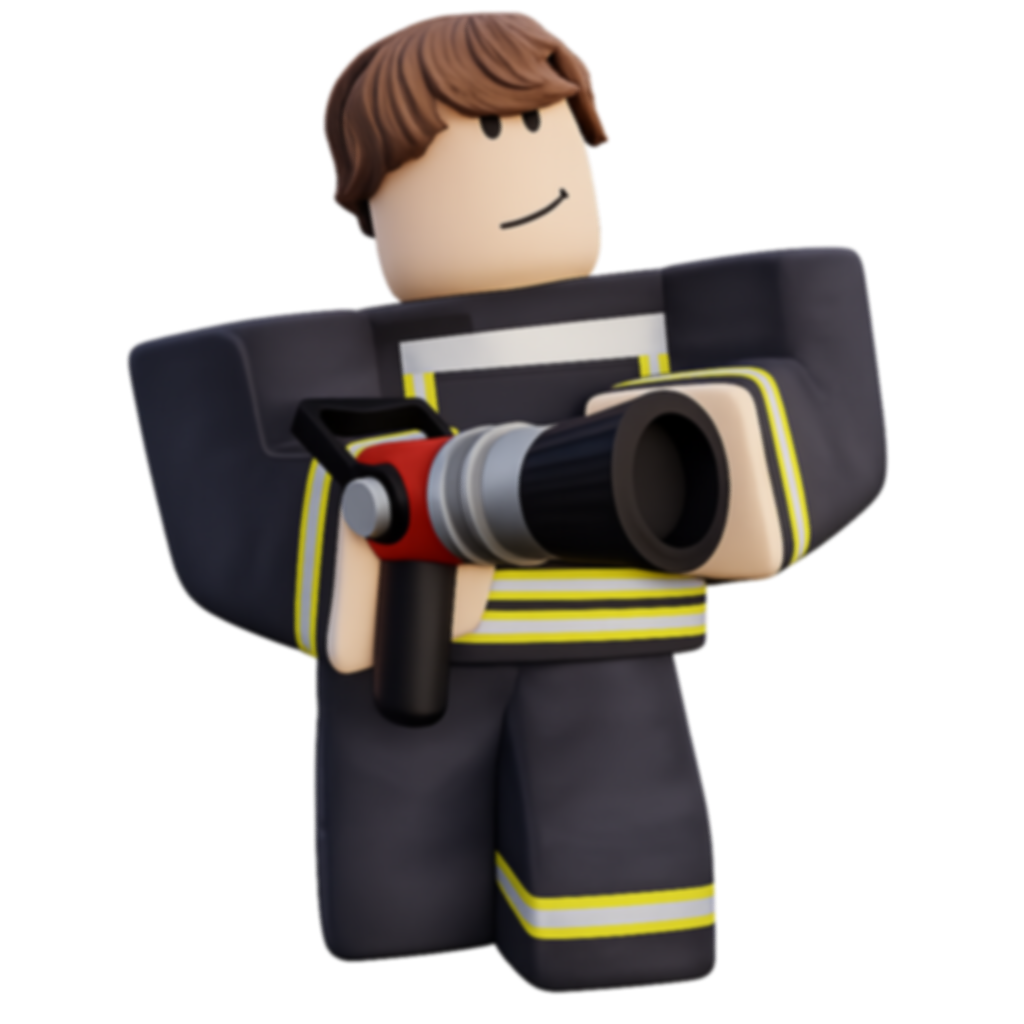
You can begin a fire department shift at the Fire Station. Enter the station, approach the front desk, and interact with the NPC to choose your team.
There are two teams available to all players without any XP requirements:
- Rescue Service: Respond to medical emergencies and treat injured players
- Firefighter: Respond to fires, road obstructions, oil spills, and other incidents
As you earn more XP, you can unlock additional teams, vehicles, and equipment. These include the Emergency Doctor and Fire Commander teams.
¶ Rescue Service
The Rescue Service is the medical branch of the Fire Department.
Your main responsibility is to respond to medical emergencies and treat injured or downed players.
¶ Treating Players
You are equipped with two main medical items:
- Bandages: Stop an injured player from continuing to lose health
- Infusions: Restore health each time they are administered
When treating a downed player, it is usually best to apply a Bandage first. This prevents them from losing any more health while you treat them.
After applying a Bandage, equip an Infusion, approach the player, and interact with the prompt to administer it. Continue administering Infusions until the player has recovered.
You have a limited supply of Bandages and Infusions, so you may need to occasionally return to the Fire Station to restock.
¶ Firefighter
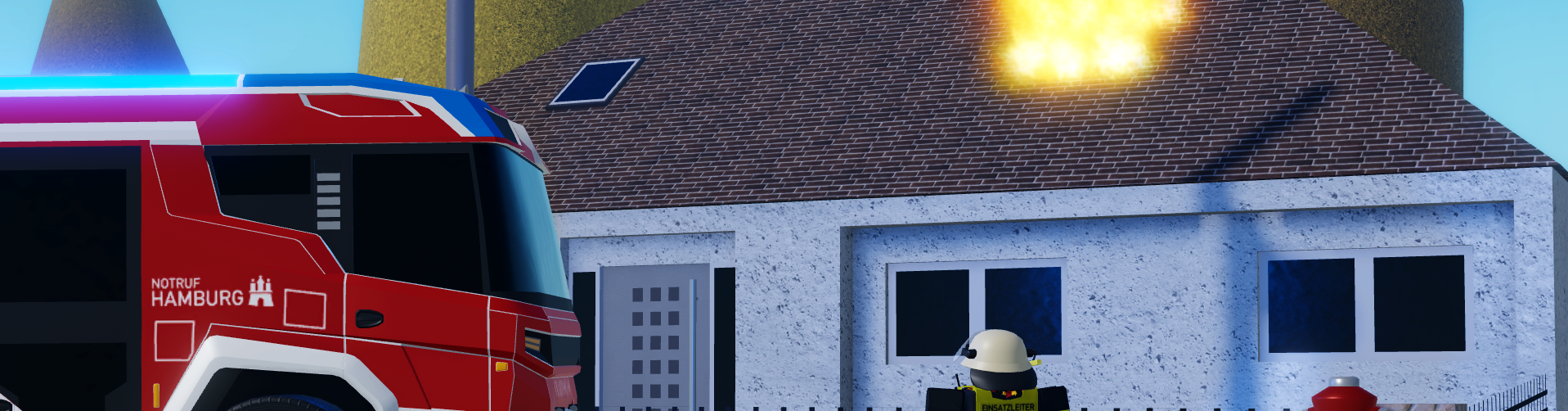
The Firefighter team is responsible for responding to fires and other incidents such as road obstructions.
There are multiple incidents that a firefighter can respond to.
¶ Reported Fires
When responding to a fire:
- Equip the Fire Hose from your inventory
- Find a nearby fire hydrant
- Connect your hose to the hydrant by interacting with the prompt
- Aim the hose at the flames and spray water onto them
The fire will gradually disappear as it is extinguished.
¶ Oil Spills
You can clear an oil spill using a Sandbag.
Equip the Sandbag from your inventory and throw sand directly onto the oil spill until the spill has been completely cleared.
¶ Truck Lost Load
These incidents occur when a truck loses its load, therefore creating a road obstruction which needs to be cleared.
Equip the Circular Saw from your inventory and use it on each object blocking the road. After using the saw on an object for a few seconds, it will be removed.
Continue doing so until all of the obstructions have been cleared.
¶ Car Mechanic (HARS)
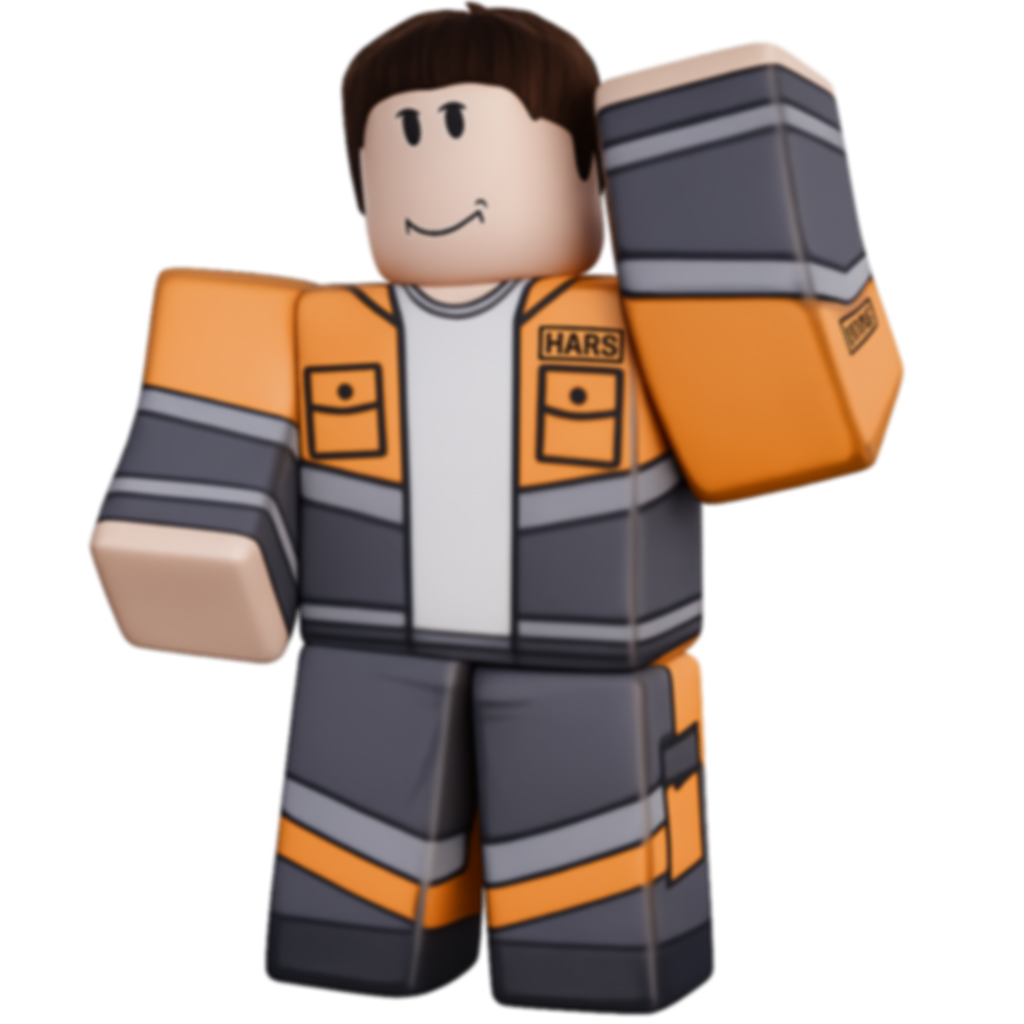
You can begin a HARS shift at the HARS Garage. Enter the station, approach the front desk, and interact with the NPC.
The car mechanic job, officially known as HARS, is responsible for providing roadside assistance and recovering vehicles. As a car mechanic, you can respond to several different types of callouts, including:
- Towing vehicles
- Repairing traffic lights and railroad crossings
- Refuelling vehicles
¶ Vehicle Towing
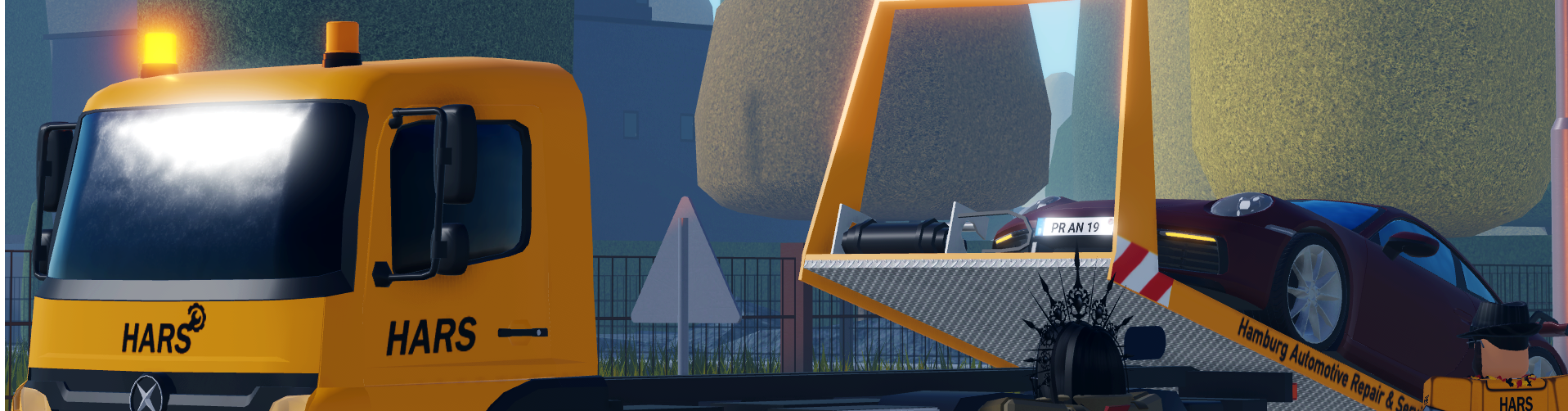
Car mechanics can use a tow truck to recover broken vehicles and transport them to the scrapyard. To tow a vehicle:
- Position your tow truck close to the vehicle you want to recover
- Use the control panel on the side of the truck to lower the tow bed
- Select Tow Vehicle on the control panel to receive a winch
- Approach the driver's side of the vehicle and interact with the prompt to attach the winch
If the vehicle is not broken down, its owner will be asked for permission before it can be towed. Once the vehicle has been attached, it will automatically be moved to the tow bed.
- Use the control panel to raise the tow bed
- Follow the waypoint to the scrapyard, located behind the HARS Garage
- Once you arrive, lower the tow bed and release the vehicle using the control panel
The vehicle will be automatically repaired once it has been released at the scrapyard.
¶ Traffic Light and Railroad Crossing Outages
To repair an outage:
- Equip the Cordless Screwdriver from your inventory
- Find the electrical cabinet near the affected traffic light or railroad crossing
- With the Cordless Screwdriver equipped, interact with the prompt
After a few seconds, the repair will be completed.
¶ Vehicle Refueling
For fuel powered vehicles, equip a Gas Can, approach the driver's side of the vehicle, and interact with the prompt to refuel it. A larger gas can can be unlocked through XP progression.
Electric vehicles must instead be recharged using a Battery. Equip the Battery and interact with the prompt at the driver's side of the vehicle to recharge it.
¶ Bus Driver

You can begin a bus driver shift at the Bus Company. Enter the station, approach the front desk, and interact with the NPC to select a route.
There are two routes available:
- City Route
- Rural Route
Both routes work in the same way. The main differences are the areas they travel through and the number of stops along the route. The amount of XP you can earn is similar for both.
Your responsibility as a bus driver is to transport passengers around the map by following your selected route to each bus stop. Remain at the stop until you hear a notification sound and see "Stop Reached" appear in the XP box in the top-right corner of your screen. This confirms you can continue to the next stop.
The number of passengers you transport affects the amount of XP you can earn, so carrying more passengers will result in more XP. Bus passengers must be real players.
¶ Truck Driver

You can begin a truck driver shift at the Truck Company. Enter the station, approach the front desk, and interact with the NPC to start your shift.
Once your shift begins, you will be given a choice of four randomly selected deliveries. Each delivery displays its destination, distance, type, and XP reward. Longer deliveries will reward more XP.
There are three different types of deliveries:
- Normal: These deliveries have no special requirements. Simply collect the trailer and transport it to the designated destination
- Fragile: These deliveries require you to keep damage to the trailer to a minimum. Collisions can damage the trailer, so try to drive carefully. If the trailer's health reaches 0%, the delivery will automatically fail.
- Urgent: These deliveries must be completed within a set time limit. Once the delivery has been collected, a countdown will appear in the bottom right corner of your screen showing how much time you have remaining. The delivery will fail if you do not reach the destination in time.
Failing a fragile or urgent delivery causes you to lose CP and you will need to select a new delivery.
¶ Collecting a Delivery
Once you have selected a delivery:
- Spawn a truck
- Follow the waypoint to the location of your trailer
- Slowly reverse your truck towards the front of the trailer until the trailer automatically attaches
After collecting a delivery, a waypoint will direct you to the delivery destination.
¶ Completing a Delivery
Once you arrive at the delivery destination, position your truck inside the green delivery area to automatically complete the delivery. You will then be able to select another delivery.
XP is awarded both when you collect the trailer and when you successfully complete the delivery.
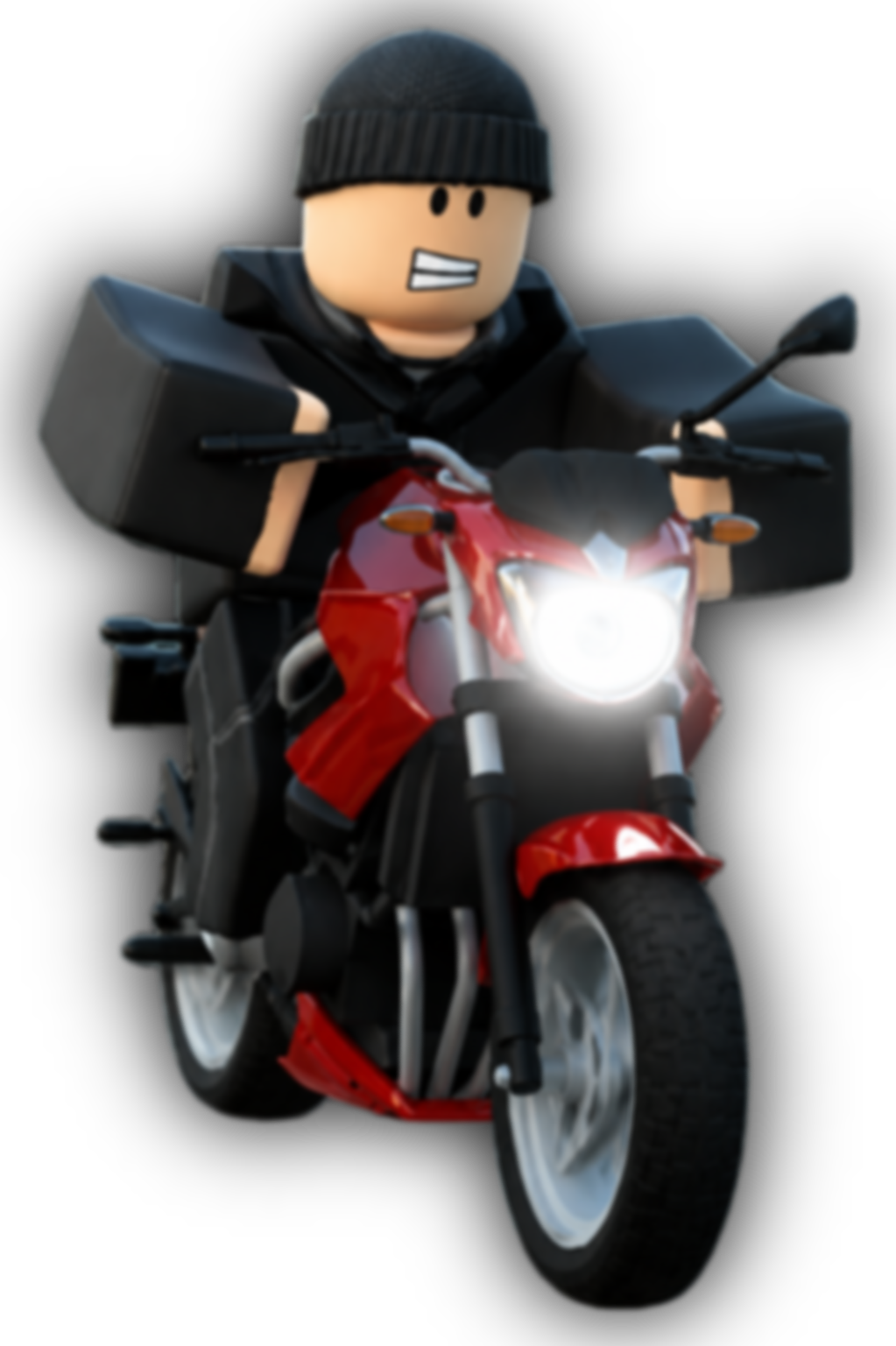
¶ Becoming a Criminal
Players who commit crimes, such as robberies or murder, will become wanted by the police.
Your wanted level ranges from 1 to 5 stars, depending on the severity of the crimes you have committed. Your current wanted level is displayed in the top right corner of your screen.
Your wanted level will increase as you commit more crimes. It will only begin to decrease when:
- You are not carrying a murder weapon
- You are not close to any police officers
A murder weapon is a weapon that has been used to kill another player or police officer. Murder weapons are outlined in red in your inventory, and your wanted level will not disappear unless you sell or drop the weapon.
As your wanted level increases, escaping the police becomes more difficult. Police roadblocks will appear along your path while you are wanted, and will become stronger and more frequent as your wanted level increases.
At 4 stars or higher, you will be tracked by a police helicopter which will share your location with police officers. Police officers and other criminals are also able to shoot you, even if you do not have a weapon equipped.
The police helicopter can be damaged until it is forced to return to base, which temporarily prevents it from tracking you.
¶ Arrest & Prison
Police officers can arrest any player who is wanted.
When a police officer arrests you, you will first be detained. While detained, you will be visibly handcuffed and unable to use any items in your inventory.
Other criminals can free a detained player using a Lockpick, whether they are on foot or inside a vehicle. This removes the player's handcuffs and releases them.
If you are not freed, you will be transported to Prison. Your prison time will depend on the crimes you have committed, and your wanted level.
Once inside Prison, you must wait for the countdown to end before you are released. Players with the Crime Boss gamepass receive a shorter prison sentence, and you can also purchase a one-time prison release using Robux to leave Prison early.
¶ Robberies
There are several robberies across Emergency Hamburg, each with different requirements, loot, and cooldowns.
Committing a robbery will make you wanted by the police, causing you to become a criminal.
Each robbery has its own cooldown, which determines how long players must wait before that robbery can be started again.
Once a robbery begins, an alarm will activate and the police will be notified shortly after. The amount of time before the police are alerted varies depending on the robbery.
An overview of each robbery can be found below.
¶ Vending Machines
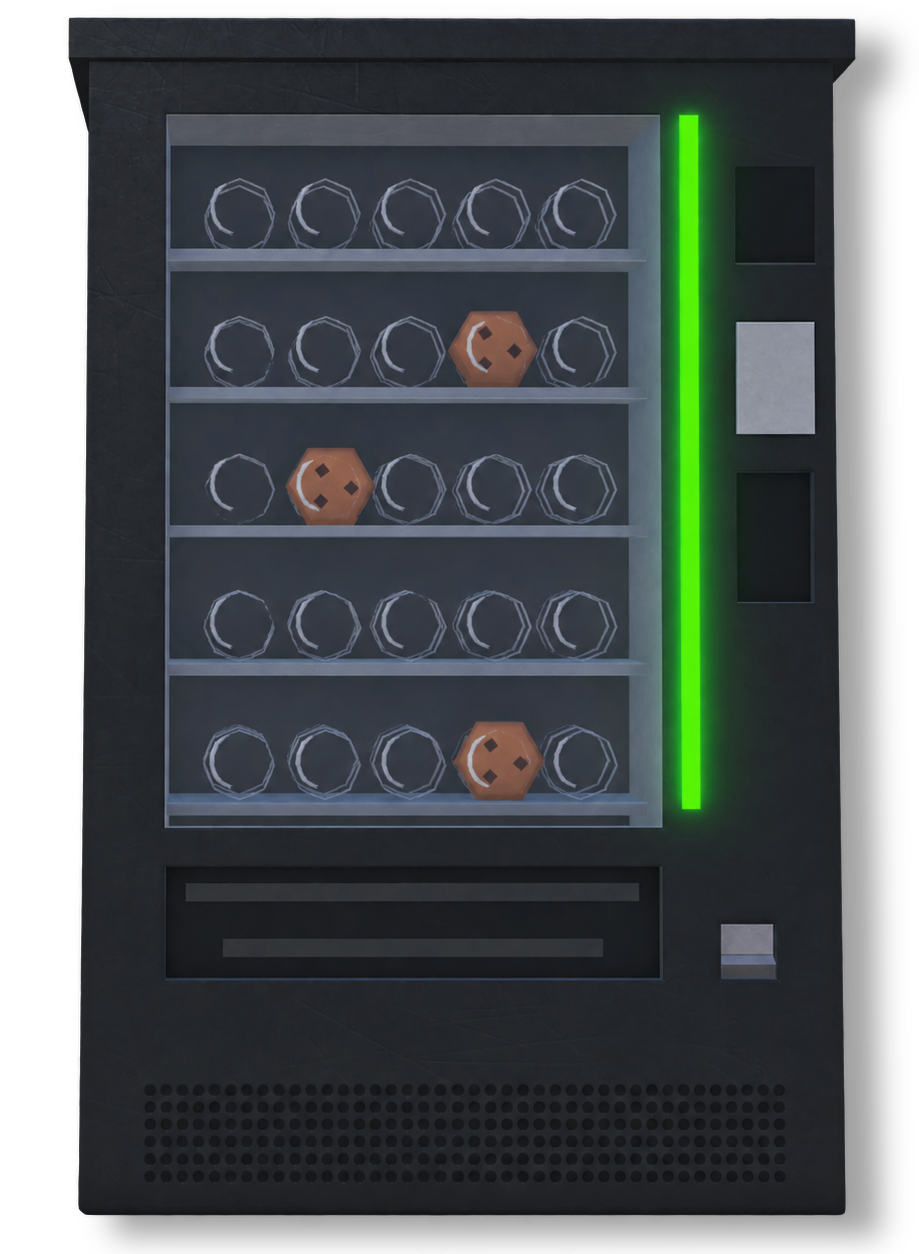
Vending Machines can be found at several locations around the map. Each machine contains a random quantity of Energy Drinks and Cookies. Vending Machines can be robbed by breaking the glass to receive the items inside. This can be done by:
- Punching the glass
- Using a melee weapon or firearm
- Using an explosive
Once the glass is broken, you can collect the Energy Drinks and Cookies. These items can either be sold at a fuel station, or can be kept in your inventory.
¶ Cash Registers
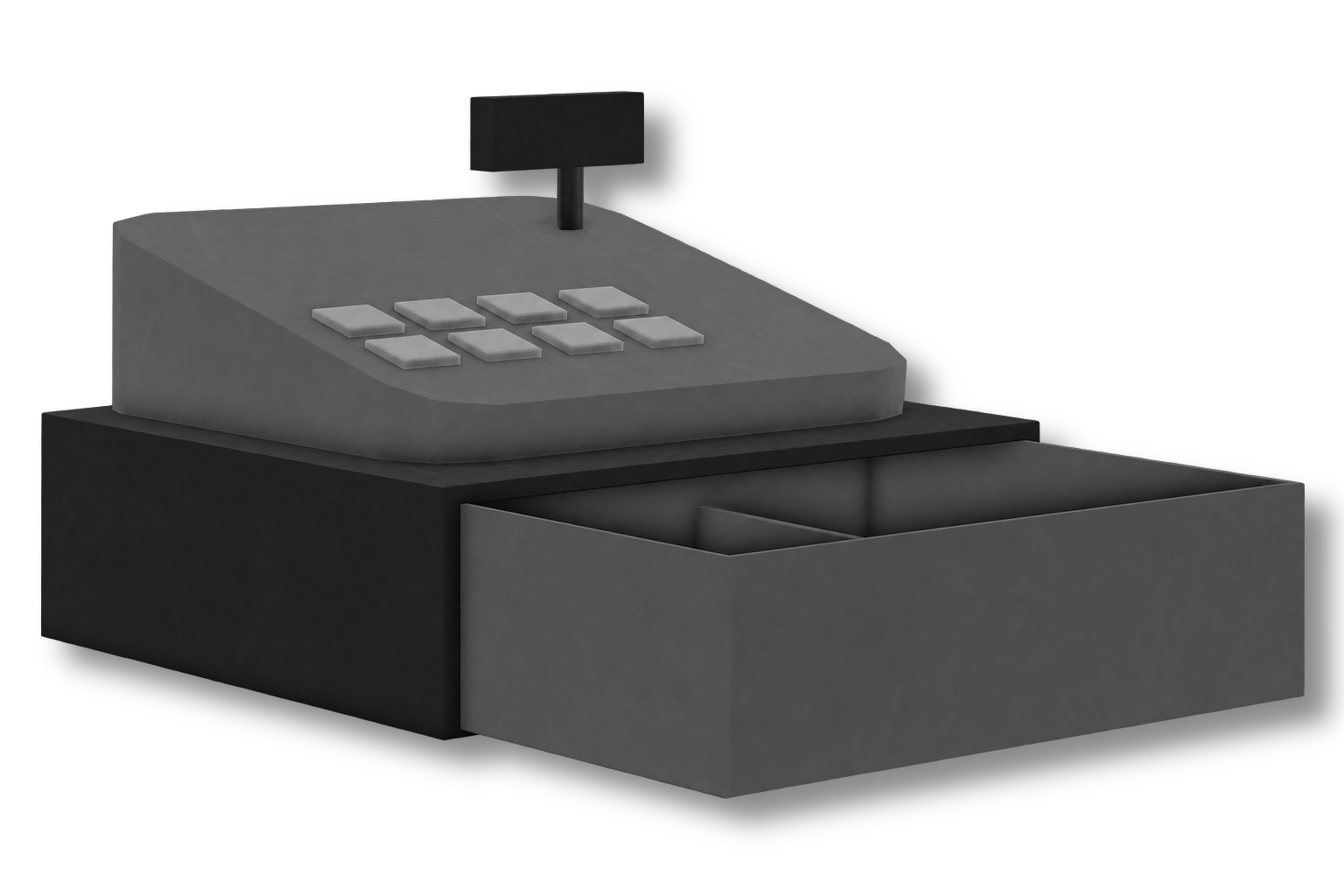
Cash Registers can be found inside various stores around the map, including:
- Ares Fuel Station
- Clothing Store
- Farm Shop
- Gas n' Go Fuel Station
- Osso Fuel Station
- Tool Shop
Each register contains a random quantity of Stolen Money. Cash Registers can be robbed by breaking the register to receive the money inside. This can be done by:
- Punching the register
- Using a melee weapon or firearm
- Using an explosive
Once the register is broken, you can collect the Stolen Money. Once collected, the Stolen Money will be secured when your wanted level disappears.
¶ Containers
The Container Robbery is available aboard the cargo ship at the Harbour, where there are four containers available for robbery. You can tell whether a container is available by looking at its doors:
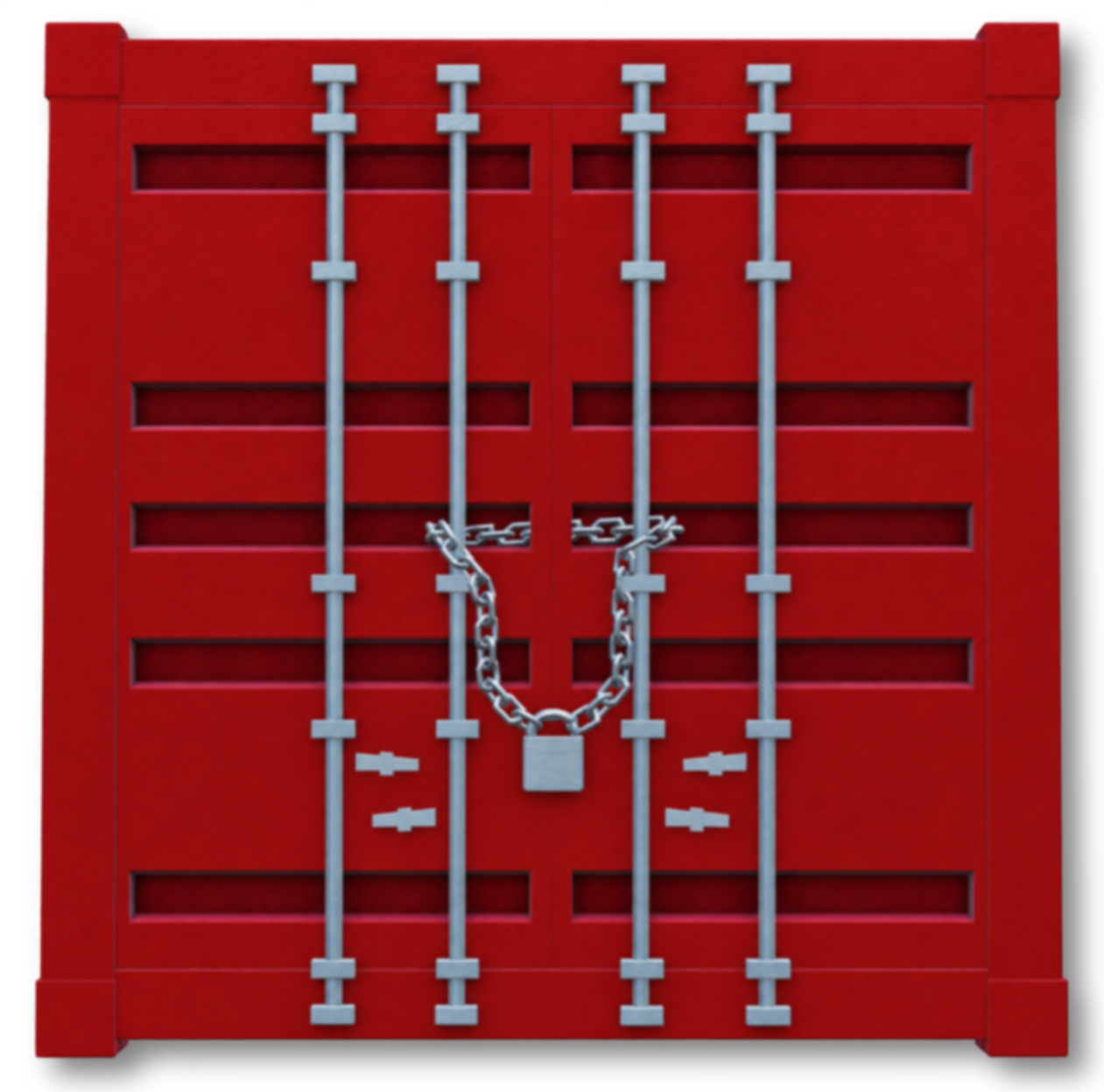
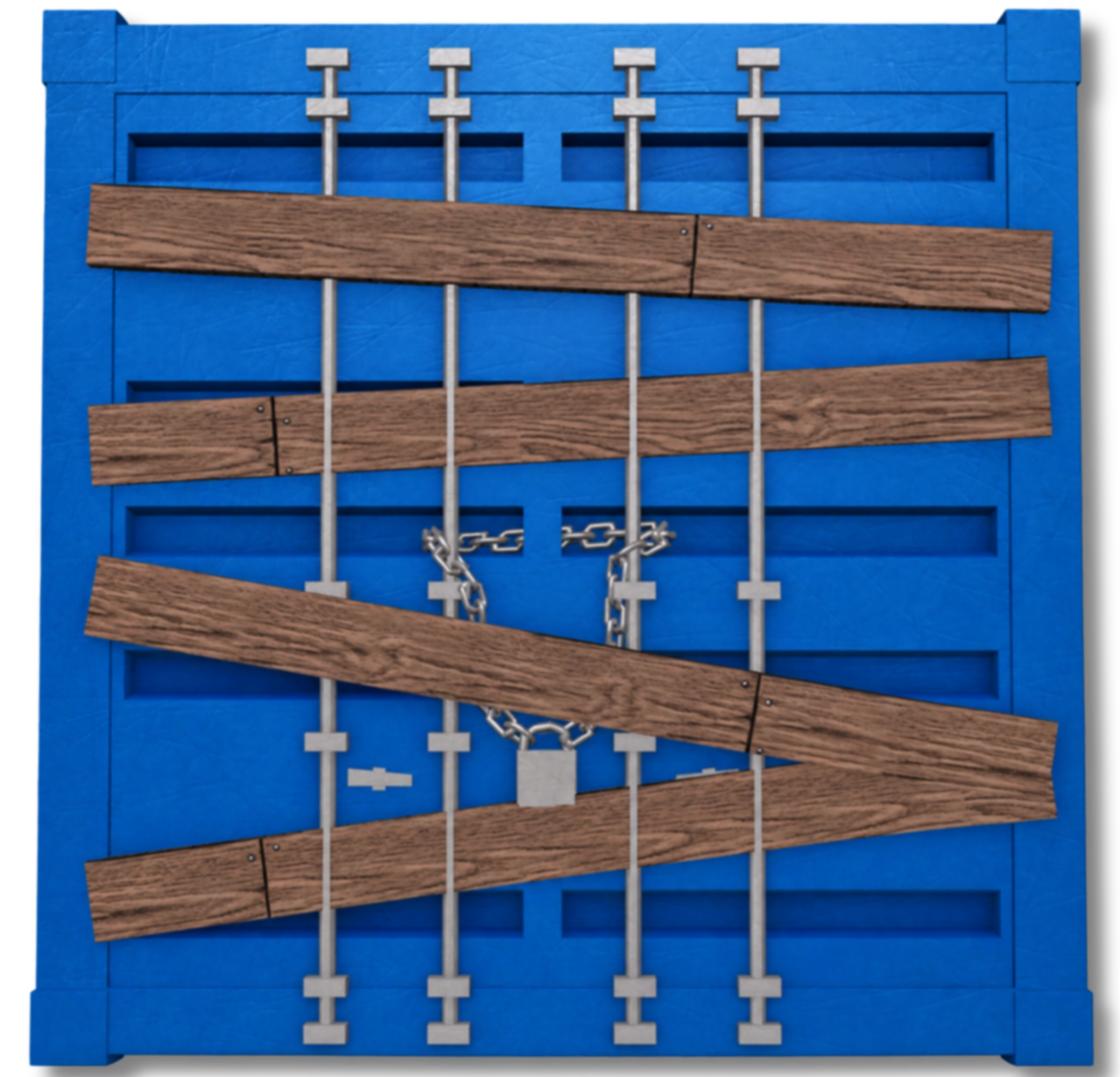
- Containers blocked by wooden planks are unavailable for robbery and cannot be robbed until the cooldown has ended.
- Containers without wooden planks are available to rob.
To begin the robbery, use a Bomb or Grenade at the container doors. Once the container has been opened, you can collect the loot inside.
There are five different types of containers that can randomly spawn, each containing different loot such as firearms, consumables, or money.
¶ Erwin's Club
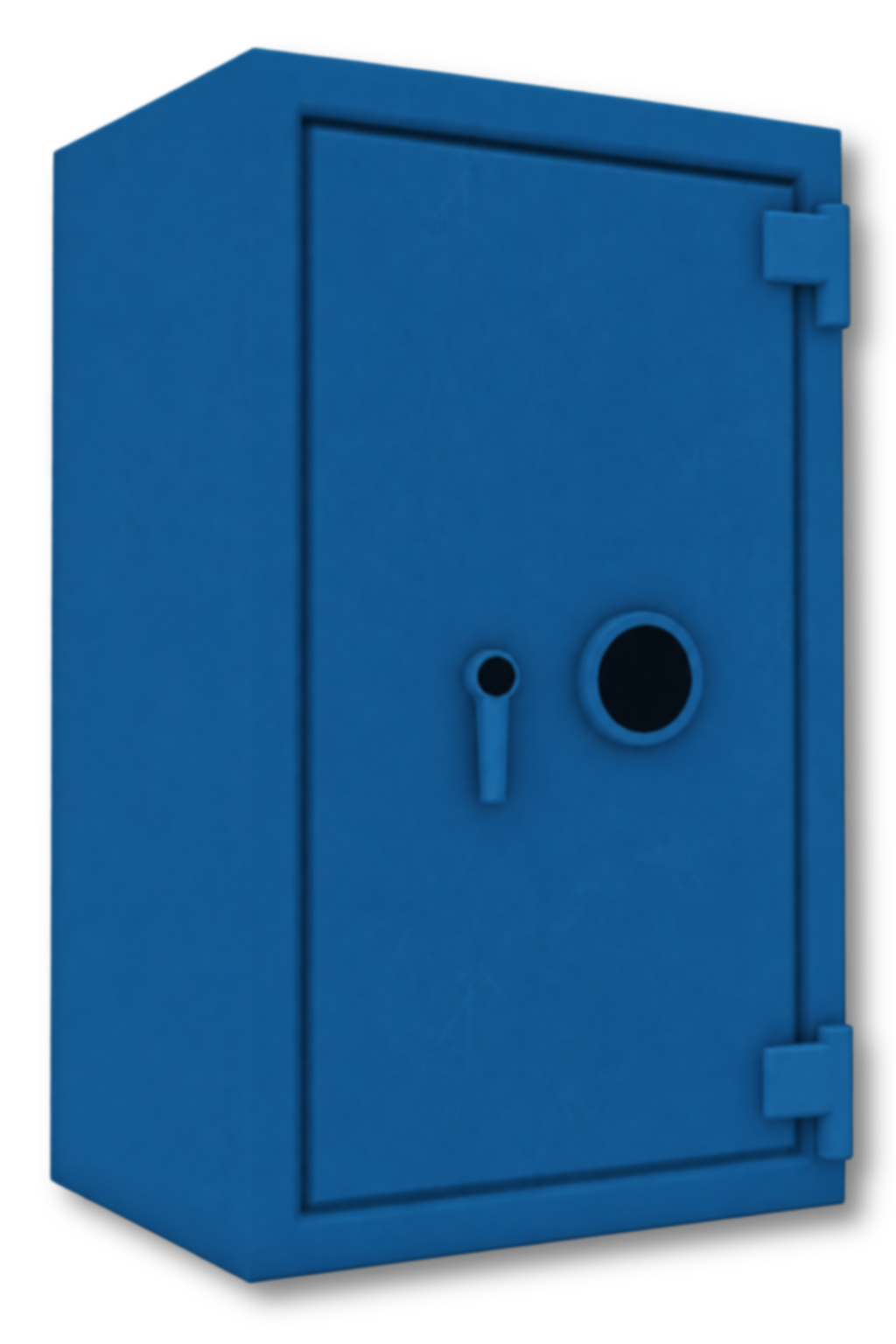
Players can rob the Safe in Erwin's Club using an explosive or a saw. You can use a:
- Bomb
- Circular Saw
- Grenade
Before starting the robbery, check whether the Safe is available:
- If the Safe is closed, it is available to rob
- If the Safe is open, it is unavailable to rob and you must wait for the cooldown to end
Use your chosen tool on the Safe to open it and access the Gold and Stolen Money inside.
¶ Bank
The Bank Robbery takes place inside the Bank, and requires an explosive to begin. You can use either a:
- Bomb
- Grenade
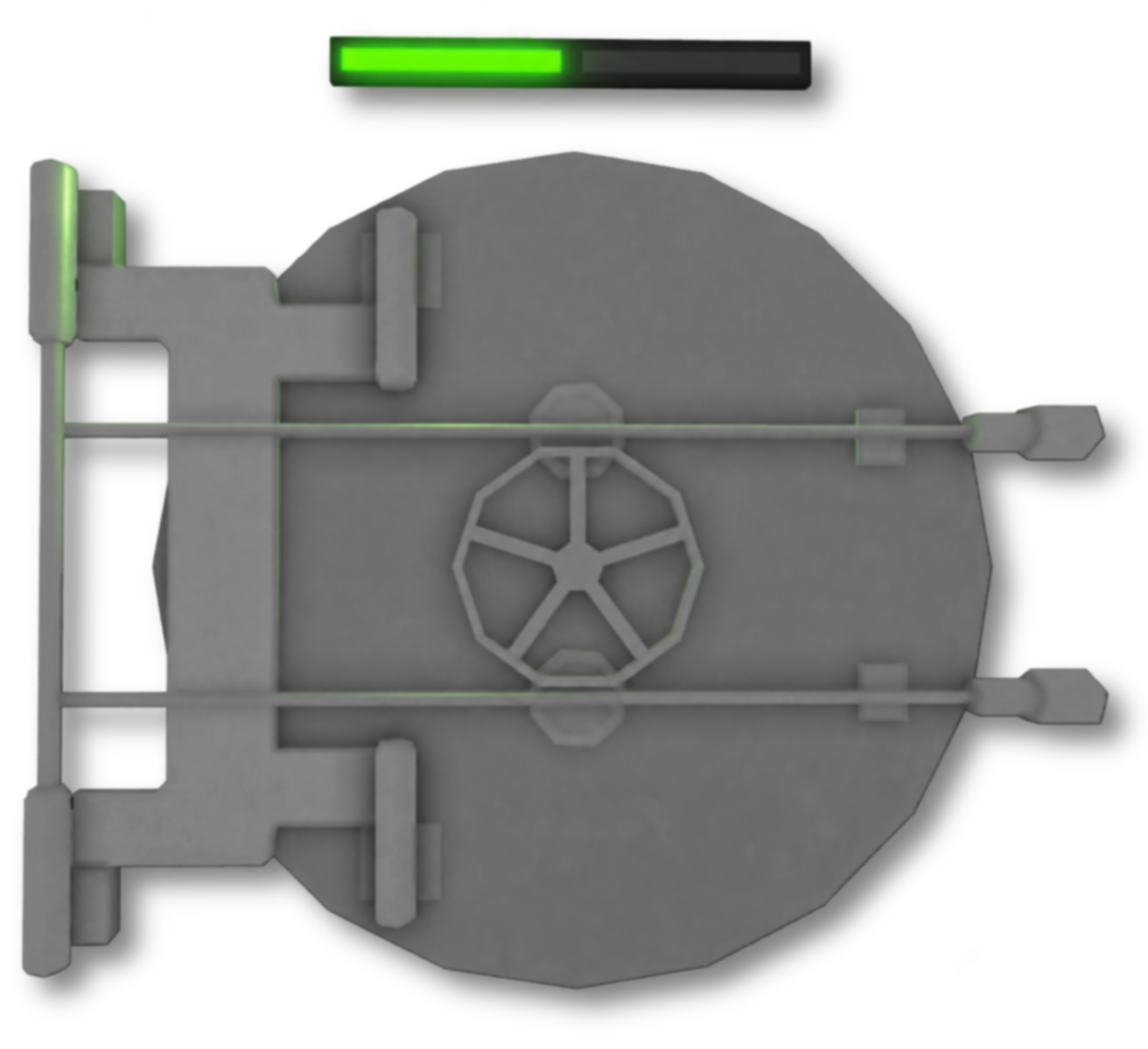
Before starting the robbery, you must check the light above the bank vault:
- A green light means the vault is available to rob
- A red light means the vault is on cooldown and is unavailable to rob
Use the explosive at the vault to open it and gain access to the inside. There are two additional locked sections inside the vault which can be accessed by punching or using a melee weapon on the doors.
¶ Escaping the Bank
There are several ways to escape after completing the robbery.
- A covered opening can be found at the back of the vault. Use an explosive on the opening to create an exit to the outside of the Bank.
- A hatch inside the vault provides access to the Bank rooftop. To reach it, you must place a Ladder underneath and climb through.
Alternatively, you can leave through the main entrance.
¶ Jeweler
The Jeweler Robbery takes place inside the Jeweler, where players can steal Jewelry, Diamonds, and a range of other loot.
Display cases can be broken by:
- Punching the glass
- Using a firearm or melee weapon
- Using an explosive
Once a display case is broken, you can collect the Jewelry or Diamonds inside.
¶ Daytime
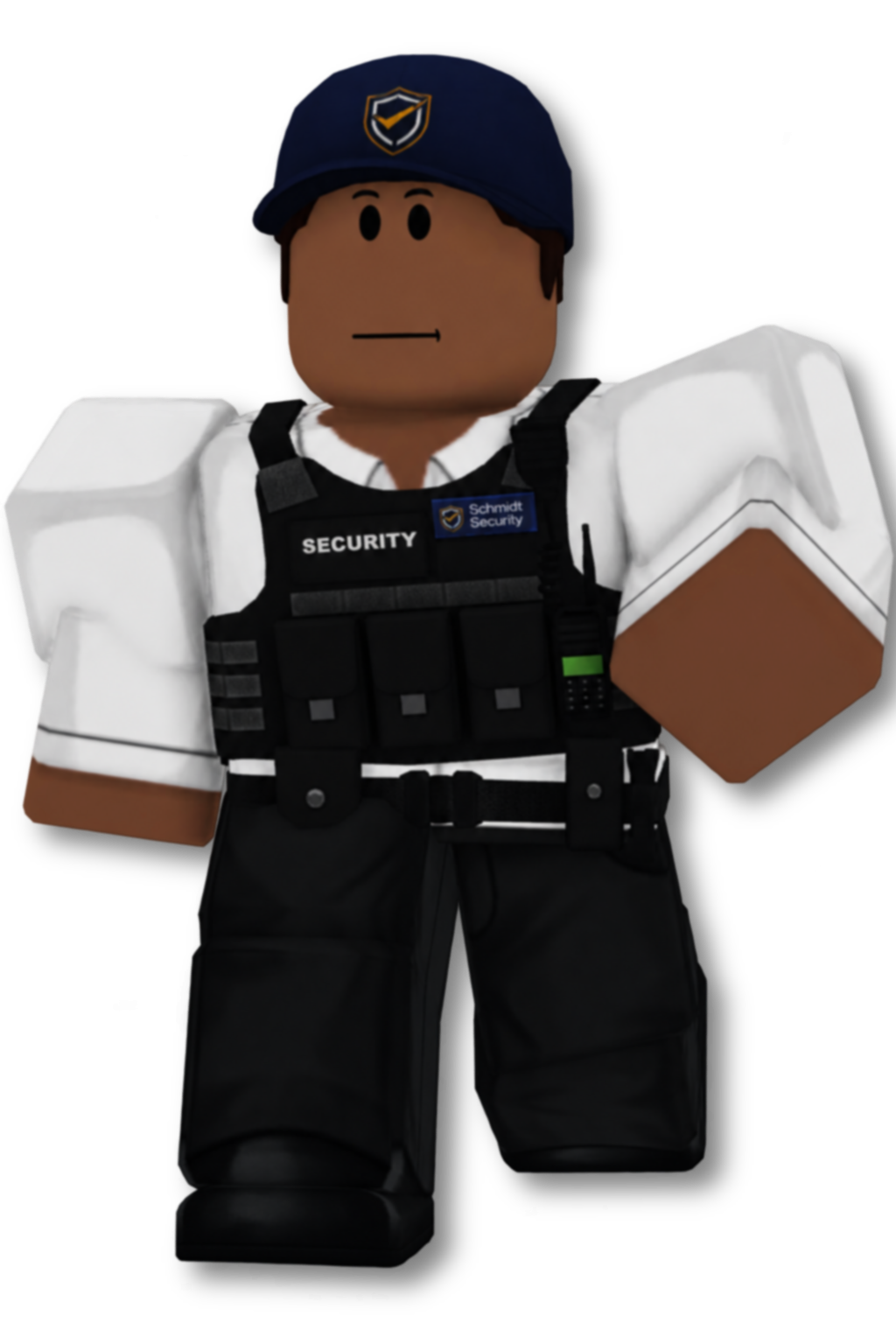
During the day, a security guard patrols the Jeweler.
If the security guard is killed, he will drop a Keycard which can be collected and used to access all locked doors, including the safe rooms:
- The upstairs Safe Room
- The downstairs Storage Room, located towards the back of the Jeweler
The Keycard can also be used to close the metal shutters by interacting with the keycard scanner at the main entrance.
The security guard will attack players who are armed or caught robbing the Jeweler.
¶ Opening Safes
Safes can be opened in several ways:
- Using an explosive
- Using a Circular Saw
- Entering the correct safe code
A note containing the safe code can be found somewhere inside the same room as the Safe. Find the note and enter the code into the Safe to open it. Safes contain Gold and Stolen Money.
Safe codes change whenever the robbery resets, so you will need to find the new code each time.
¶ Nighttime
At night, access to the Jeweler is restricted and the metal shutters are closed.
There is a silent approach, and a loud approach.
¶ Silent Approach
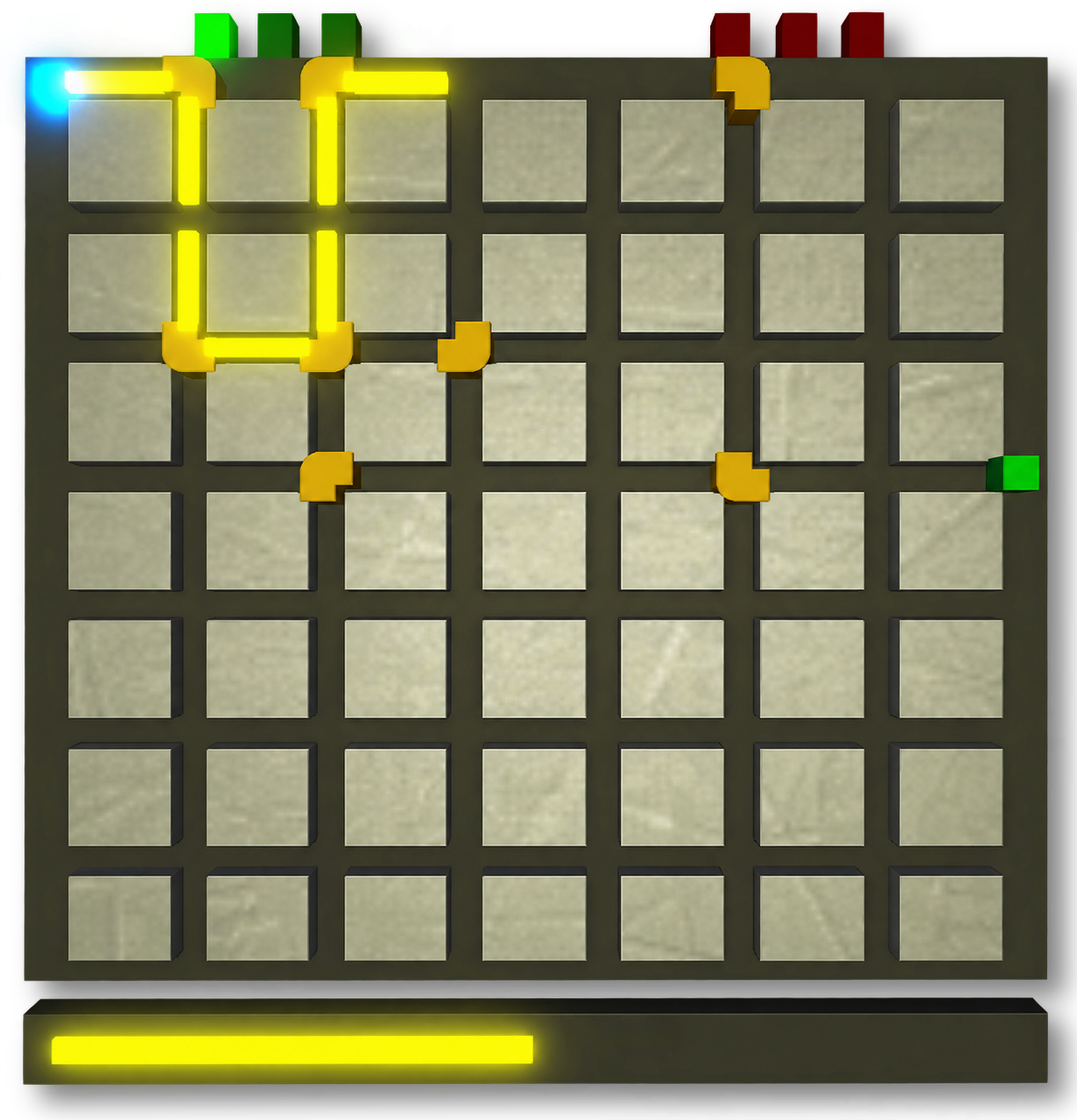
A security cabinet can be found on the left side of the Jeweler. Interacting with it begins a minigame.
During the minigame, rotate the corner pieces until they create a continuous path from the blue starting point to the green endpoint. Once the path is complete, press the blue button to send electricity through it.
The minigame consists of three rounds. Once you successfully complete all three rounds, the alarm will be temporarily disabled and the shutters will open, allowing you to enter and rob the Jeweler.
¶ Loud Approach
Alternatively, you can break through one of the windows and enter the Jeweler directly, which will immediately alert the police.
¶ Escaping
A rooftop hatch can be found upstairs, and can be used as an alternative way to escape the Jeweler after completing the robbery.
This hatch can be used by any player and does not require a keycard.
¶ Selling Loot
Robberies can reward several types of loot, including:
- Gold
- Jewelry
- Diamonds
- Stolen Money
Physical loot must be sold to earn profit. Loot can either be sold at a Dealer, or the Smuggler.
¶ Dealers
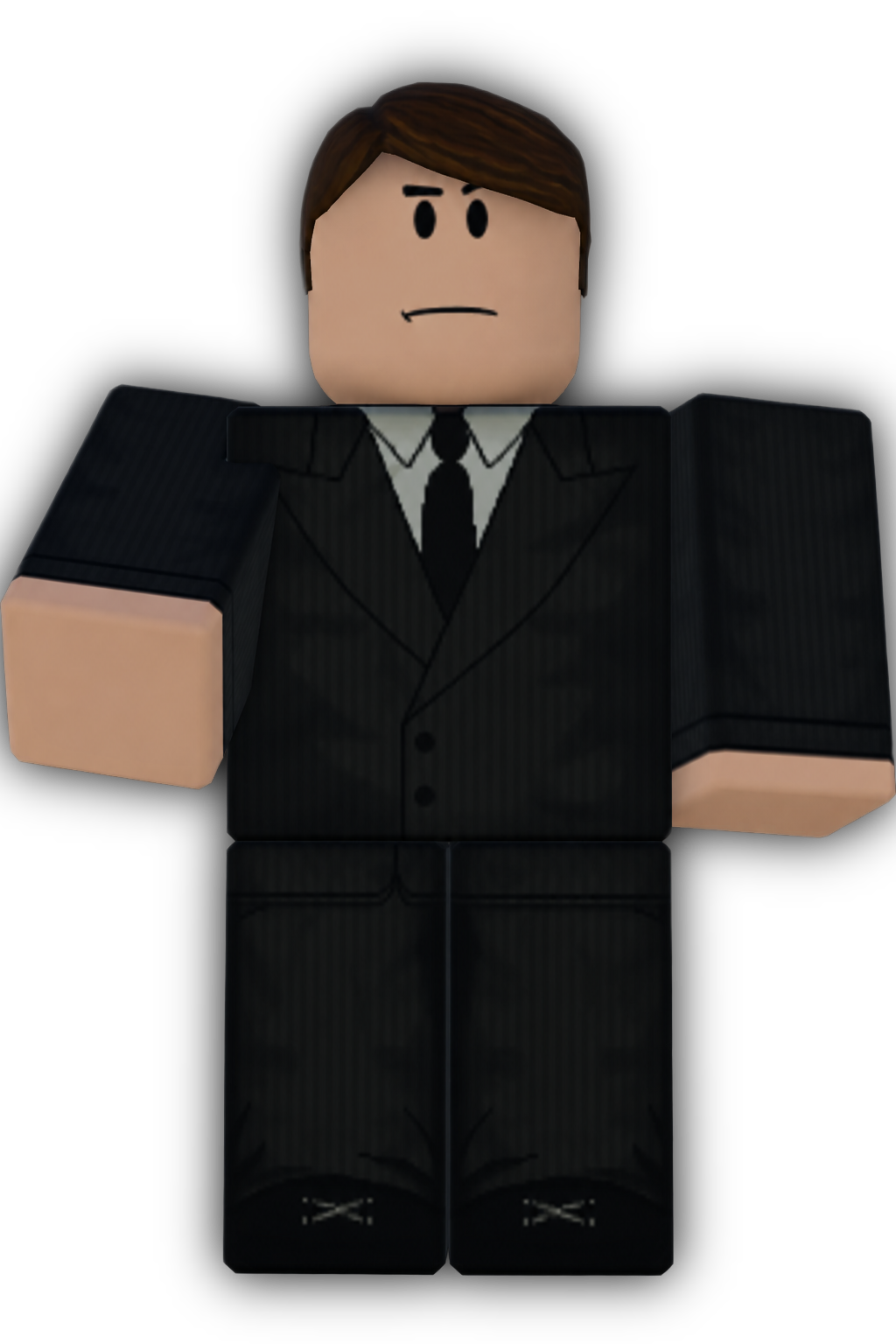
Dealers can be found at several locations around the map. Look for the Dealer icon on the map and follow it to the nearest one. Interact with the Dealer to sell your loot. Only Gold and Jewelry can be sold here.
Dealers also sell illegal items, such as firearms or explosives. Purchasing these items will not make you wanted, however, equipping one will temporarily make you wanted.
Players with the Crime Boss gamepass receive a discount on items sold by Dealers, and receive more money when selling loot.
¶ Smugglers
Unlike Dealers, only one Smuggler is active in the server at a time. The Smuggler can usually be found around the Harbour or Clothing Store area.
Look for the Smuggler icon on the map to find their location. Interact with the Smuggler to sell your loot. Only Diamonds can be sold here.
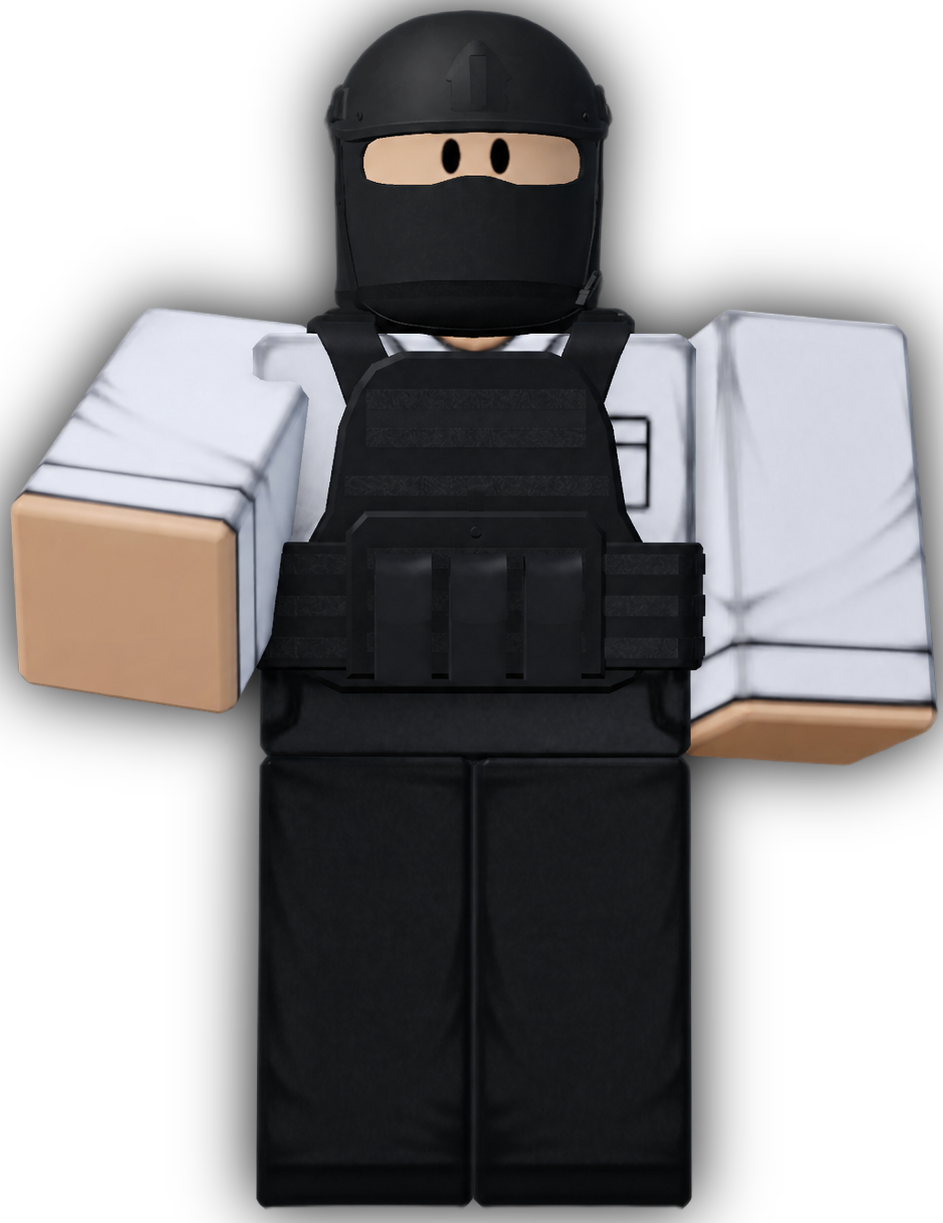
The Smuggler also sells a smaller selection of discounted illegal items which change on a regular basis.
¶ Stolen Money
Stolen money cannot be sold. Instead, you must avoid the police until your wanted level completely disappears. Once you are no longer wanted, any stolen money you collected will automatically be added to your balance.
You can check how much stolen money you are currently carrying through the Criminal Application on your Phone.
If you die or are arrested before selling your loot, you will lose the loot you are carrying.
¶ Vehicles
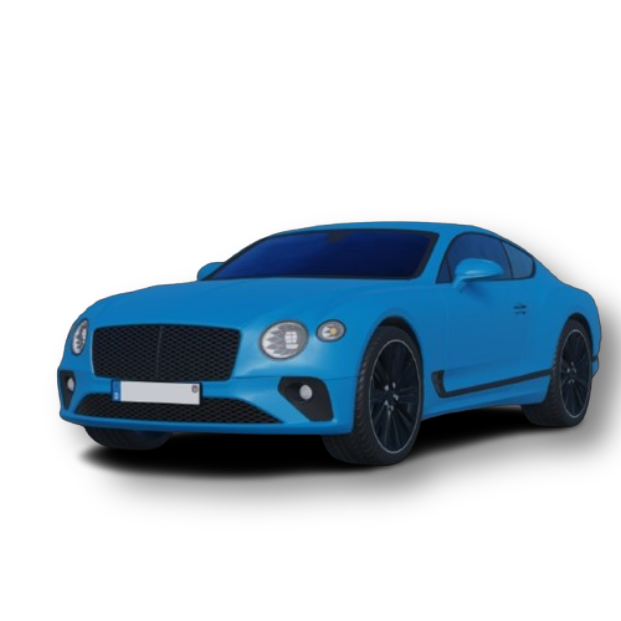
Vehicles are the main way of travelling around the city and are available across all teams.
Civilian vehicles can be purchased using in-game money, whereas vehicles used for jobs are unlocked as you earn XP within that job.
Some vehicles also require a gamepass before they can be used.
¶ Buying a Civilian Vehicle
Vehicles can be purchased at the Dealership. The Dealership is also where you can spawn your owned vehicles.
When interacting with the NPC inside the dealership, you can browse the available vehicles and select one to view its price and other information.
The coloured boxes shown on vehicles indicate their availability:

To purchase a vehicle, select the vehicle that you can afford and follow the prompts to complete the purchase. Once purchased, the vehicle is permanently added to your collection and can be spawned whenever.
Once you own a vehicle, you can return to the Dealership and select it to spawn it nearby.
If you no longer want a vehicle, you can sell it.
¶ Refuelling Your Vehicle
When your vehicle is low on fuel, you can refuel it at a fuel station.
Drive your vehicle next to a fuel pump, get out of your vehicle, and hold the interact button at the pump to refuel your vehicle.
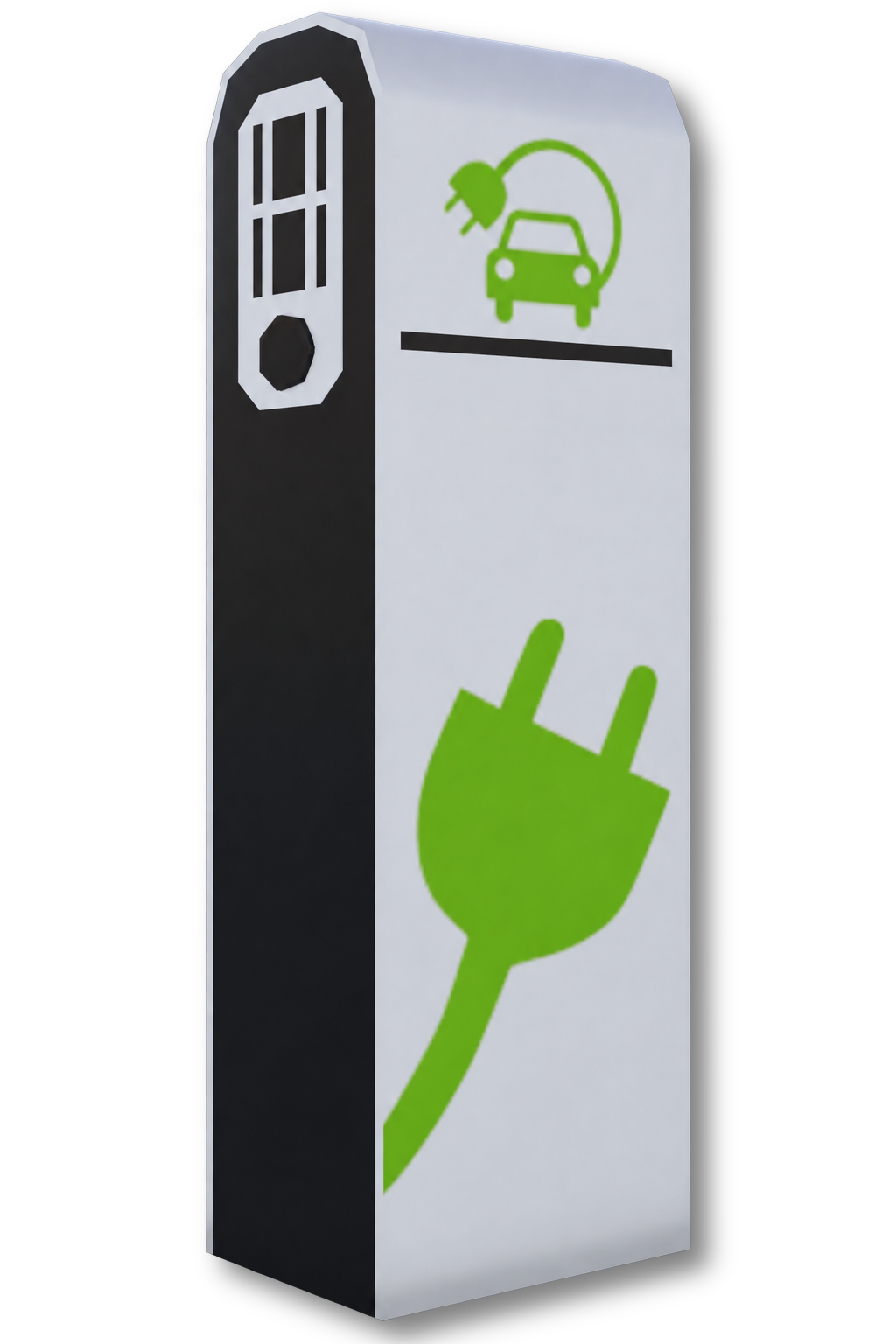
For electric vehicles, you must use an electric charging station instead of a fuel pump. Drive your vehicle next to the charging station, get out of your vehicle, and hold the interact button at the charging station to recharge your vehicle.
There is also a fuel tank behind the Fire Station which can be used to refuel your vehicle.
Refuelling and charging cost in-game money, which will be deducted from your balance.
¶ Tuning Your Vehicle
You can modify your vehicle at the Tuning Garage.
Drive your vehicle into the garage and interact with the tuning menu to view the available modifications.
You can modify different parts of your vehicle, such as its appearance and performance. Modifications cost in-game money, so make sure you have enough money before purchasing one.
Tuning modifications are permanently saved to that vehicle, including after it has been despawned or you leave the game.
Some additional tuning options require the Advanced Tuning gamepass.
¶ Important Information
¶ Staying Safe
Keeping players safe is a priority in Emergency Hamburg. We use both Roblox's built-in safety tools and additional moderation systems developed by our own team.
Our moderation team reviews reports and investigates rule violations in-game to maintain a safe and enjoyable environment.

¶ Reporting Rule Violations
If you encounter inappropriate behaviour, scams, or other violations of the Roblox Community Standards, reports should be submitted through Roblox.
Roblox reviews these reports and may take action depending on the severity of the violation.
You can learn more about how to report users on Roblox here:
Emergency Hamburg also has its own report form, which can be used to report violations of our in-game rules. These reports are reviewed by our moderation team as soon as possible.
You can see more information about the Emergency Hamburg report system here:
¶ Roblox Community Standards
All players in Emergency Hamburg are expected to follow the Roblox Community Standards, which apply across the Roblox platform.
Some key points include:
- No bullying or harassment
- Do not share personal information
- No inappropriate content
Violating these Community Standards may result in moderation action being taken against your Roblox account.
You can read the full Roblox Community Standards here:
¶ Our In-Game Rules
In addition to Roblox's platform rules, Emergency Hamburg has its own rules.
These include rules such as:
- No cheating or exploiting
- No staff impersonation
These rules apply to all players and violations may result in moderation action being taken against your account in the game.
¶ Safety Reminders
There are a few precautions you should keep in mind to help keep your account and yourself safe while playing:
- Keep your account secure: Never share your Roblox account with other players, even if you know or trust them.
- Never share your password: Emergency Hamburg staff and Roblox staff will never ask you for your account password.
- Keep personal information private: Avoid sharing information such as your real name, phone number, email address, or other private details with others.

¶ Identifying Staff Members
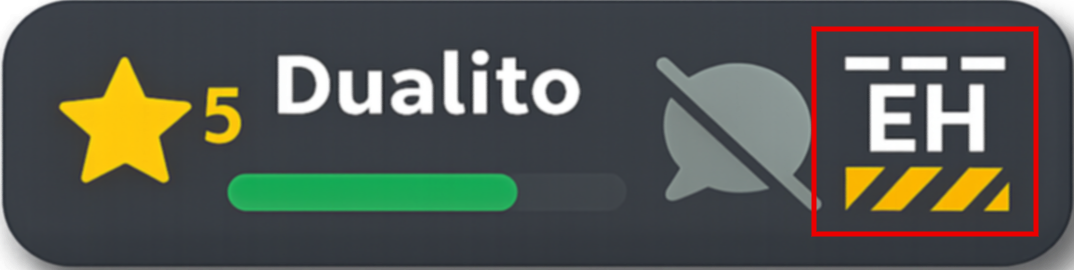
Official Emergency Hamburg staff members can be identified by the Emergency Hamburg logo displayed in their nametag, to the right of their username.
A player claiming to be a staff member without this logo should not be treated as a staff member. If you encounter someone impersonating a staff member, report them using the in-game report form.
Emergency Hamburg staff will never ask you for your password or personal information.